> ## Documentation Index
> Fetch the complete documentation index at: https://legitimuz.mintlify.site/llms.txt
> Use this file to discover all available pages before exploring further.
# OCR + Facematch
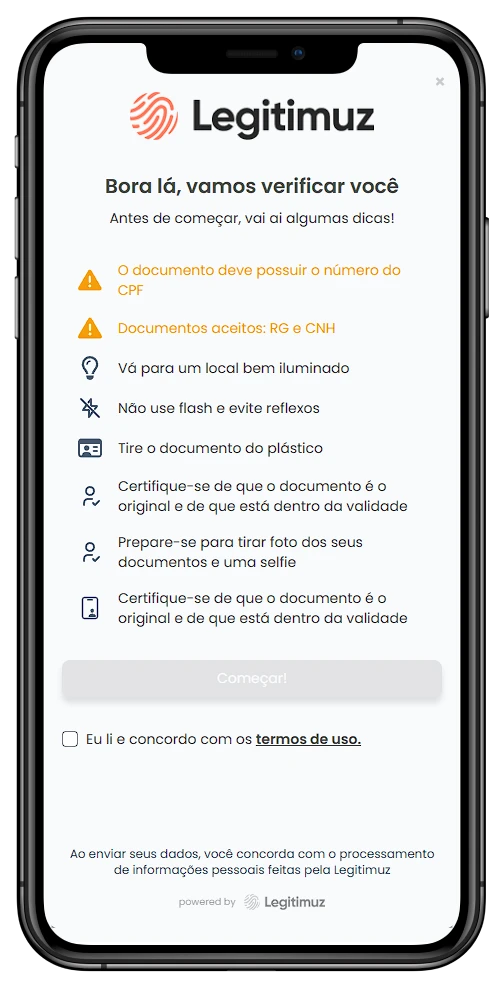
> OCR + Facematch validation is a solution that allows for the validation of identification documents and the comparison of the document photo with the user photo.
### How it works
The user will enter the CPF in the [cpf](./fields) field and then click the [verify](./actions) button. The system will validate the CPF, and if it is valid, it will open the validation modal with a QR code to scan.
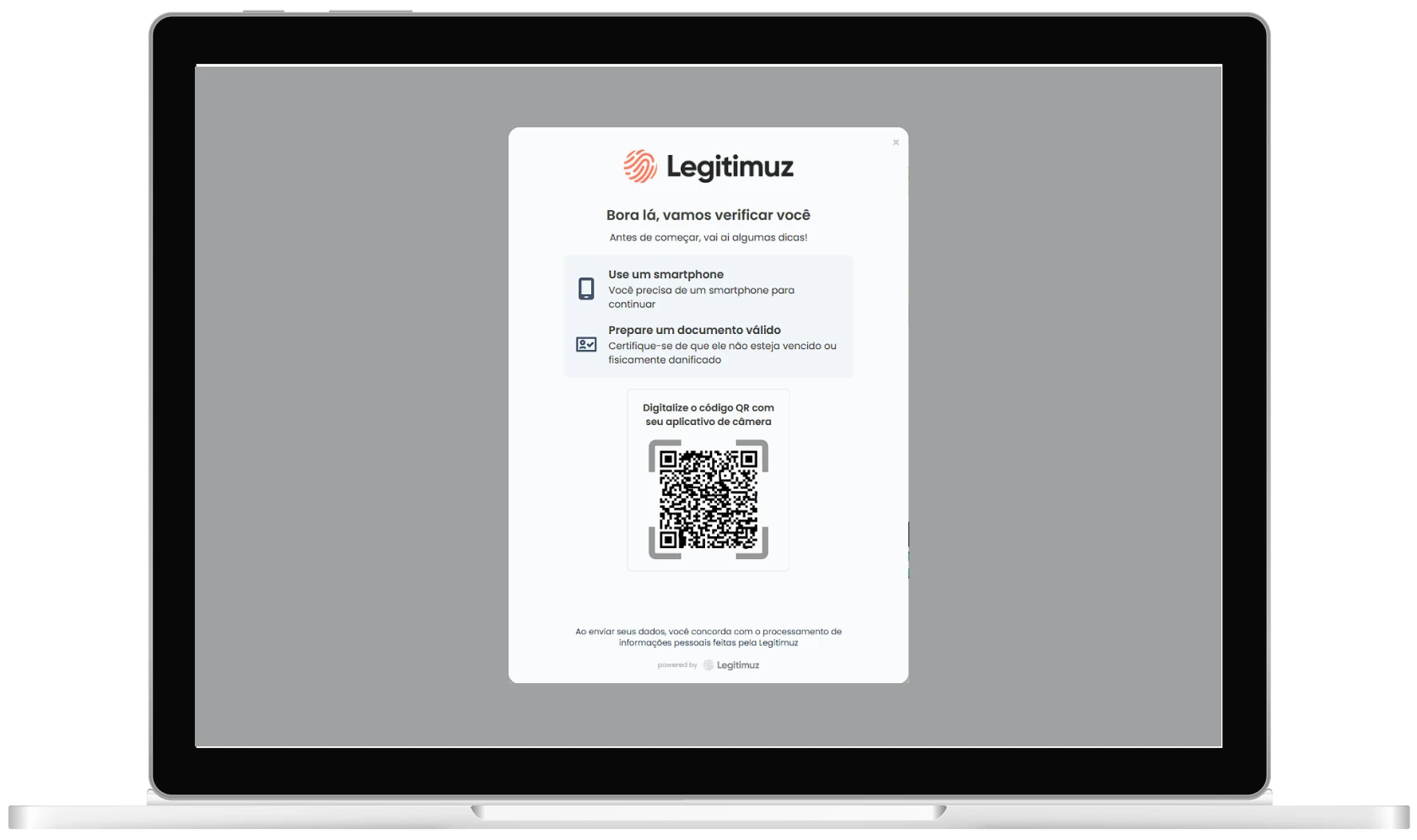 After scanning the QR code, the user will proceed to the flow of capturing a selfie and a photo of the document.