> ## Documentation Index
> Fetch the complete documentation index at: https://legitimuz.mintlify.site/llms.txt
> Use this file to discover all available pages before exploring further.
# Get Started
> Learn how to use our SDKs and APIs.
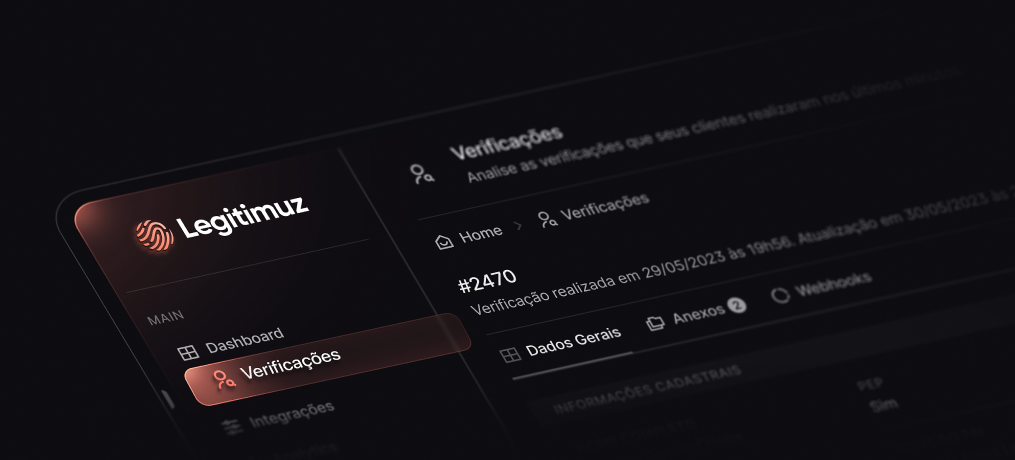 **Welcome to the Legitimuz Developer Documentation!**
If you have any questions, use the [**Support**](https://wa.me/18149291199) button at the top of the screen or send an email to [suporte@legitimuz.com](mailto:suporte@legitimuz.com) to get in touch with us.
## Overview
Make identity verification quick and easy, helping legitimate users get verified on the first try while keeping fraudsters out.
## SDKs
Identification documents and Selfies.
Faces and identify people.
Fraud prevention.
## API
Check out our API documentation.
**Welcome to the Legitimuz Developer Documentation!**
If you have any questions, use the [**Support**](https://wa.me/18149291199) button at the top of the screen or send an email to [suporte@legitimuz.com](mailto:suporte@legitimuz.com) to get in touch with us.
## Overview
Make identity verification quick and easy, helping legitimate users get verified on the first try while keeping fraudsters out.
## SDKs
Identification documents and Selfies.
Faces and identify people.
Fraud prevention.
## API
Check out our API documentation.